Free
$0
- 40 local GPU steps a day
- 3 gpt-image-2 pictures a day
- 25 saved flows, 1 published app
- Batches of 5 rows
AI image workflows for shops, marketers and creators
Chain AI models and editing steps on one canvas: cut out, restage, resize for every channel, add your headline. Then run it on a spreadsheet of 500 products, or publish it as a simple app for your team.
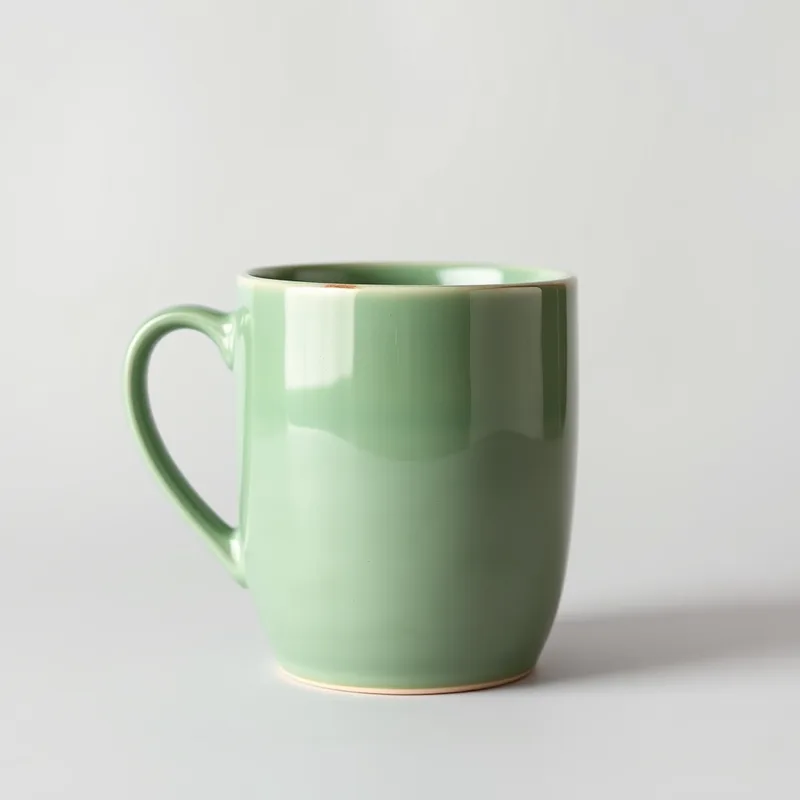 product.jpg
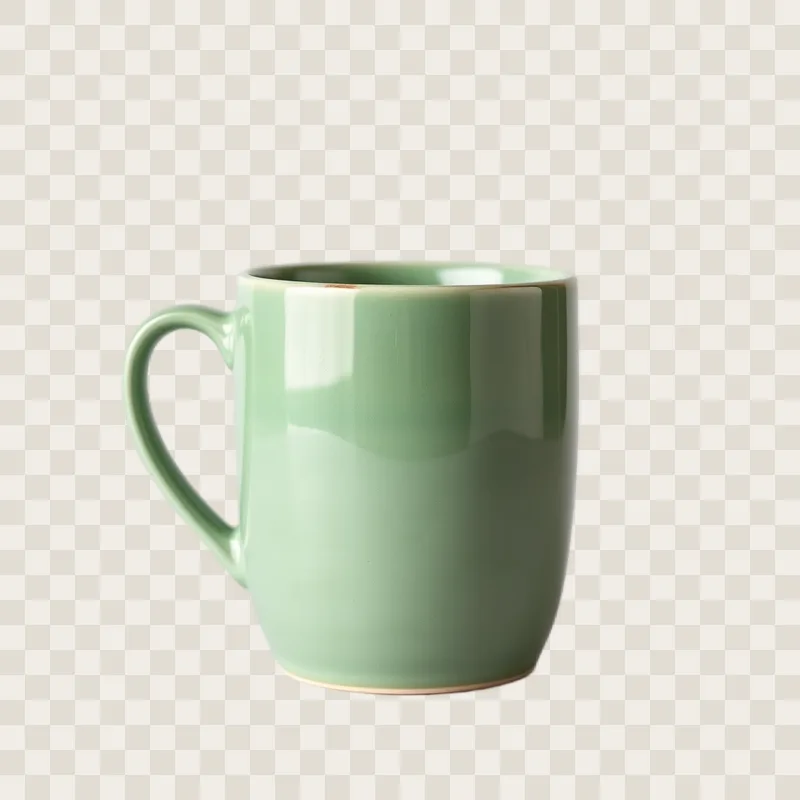 cut out · 12 s · free
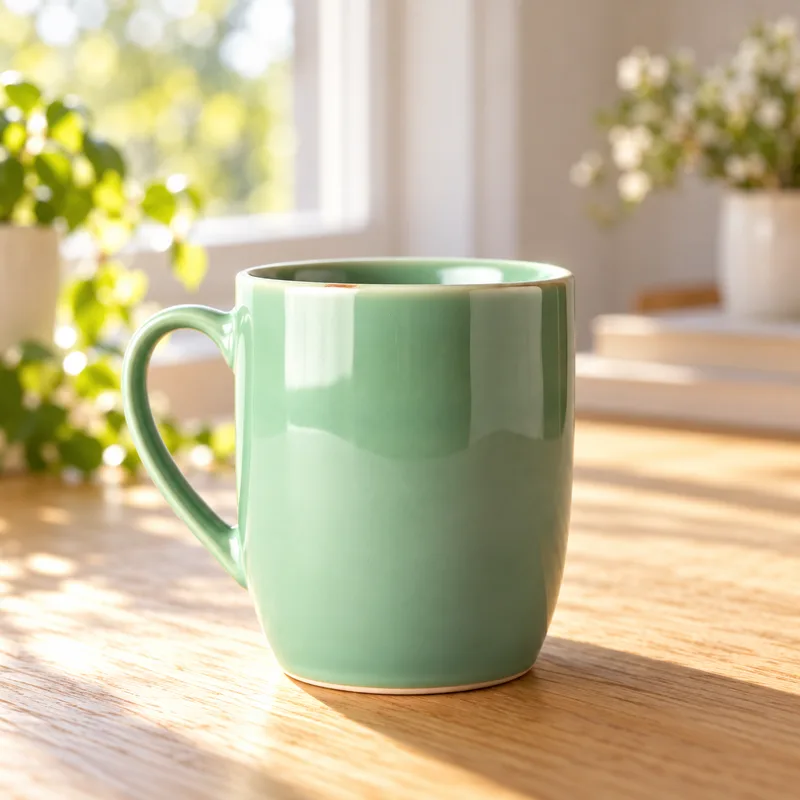 oak table, morning · gpt-image-2
Drag steps onto the canvas and connect them, start from a template, or describe what you want ("cut out my product, put it on marble, make story and square versions") and FlowGen lays it out for you.
Run one step or the whole flow. Every step shows its pictures, what it cost and how long it took. Change a prompt and only the steps after it run again.
Paste a spreadsheet and run every row as a batch, download a ZIP, publish the flow as a one-button app for your team, or call it from your code.
Cut the product out, place it in a fresh scene, export a square shop image.
MarketingYour headline on square, story, link card and X post, each cropped to the right size.
EcommerceOne row per product. Run the batch and get a matching studio shot for every row.
MarketingAI writes the image prompt and a headline, then sets the text on the picture.
VideoA bold scene from your video topic with a big title, at exactly 1280 x 720.
MarketingYour logo in the corner and a caption along the bottom.
FLUX.1 schnell and DreamShaper 8 for pictures and edits, RealESRGAN for upscaling, InSPyReNet for clean cut-outs. Licensed for commercial use.
OpenAI's newest image model, best at text in pictures and precise edits. Three a day free, more on paid plans.
Nano Banana, GPT-5 Image and whatever comes next, listed live with the price per picture before you run. Paid from cloud credit.
Add an OpenAI, Google or OpenRouter key and use those models without FlowGen limits. Keys are stored encrypted and never shown again.
$0
$12 / month
$29 / month
Prices include tax. Cloud credit packs from $5 for paid OpenRouter models. Your own AI keys are never metered.
A canvas where you chain image steps (create, edit, cut out, upscale, resize, add text and logos) into a workflow you can run again on any picture, on every row of a spreadsheet, or as a simple app for other people.
No. Start from a template or describe what you want in a sentence. Every step has plain settings, and "Improve" rewrites a rough prompt into a good one.
Yes. Paste a spreadsheet into the flow's data table, write prompts like "studio photo of a {color} {product}", and run the batch. You get one result per row and a ZIP of all of them.
FLUX.1 schnell and DreamShaper on our GPU for free, gpt-image-2 within your daily allowance, every image model on OpenRouter with cloud credit, and your own OpenAI, Google or OpenRouter key without limits.
A page with a small form built from your flow: you pick which fields people fill in (a photo, a product name), they press one button and get the result. Their runs use their own allowance, not yours.
You do. They stay private in your gallery until you share a link, and you can delete them, or everything FlowGen holds about you, at any time.